Or copy one menu to all.
Multi-outlet
Run every outlet from one login
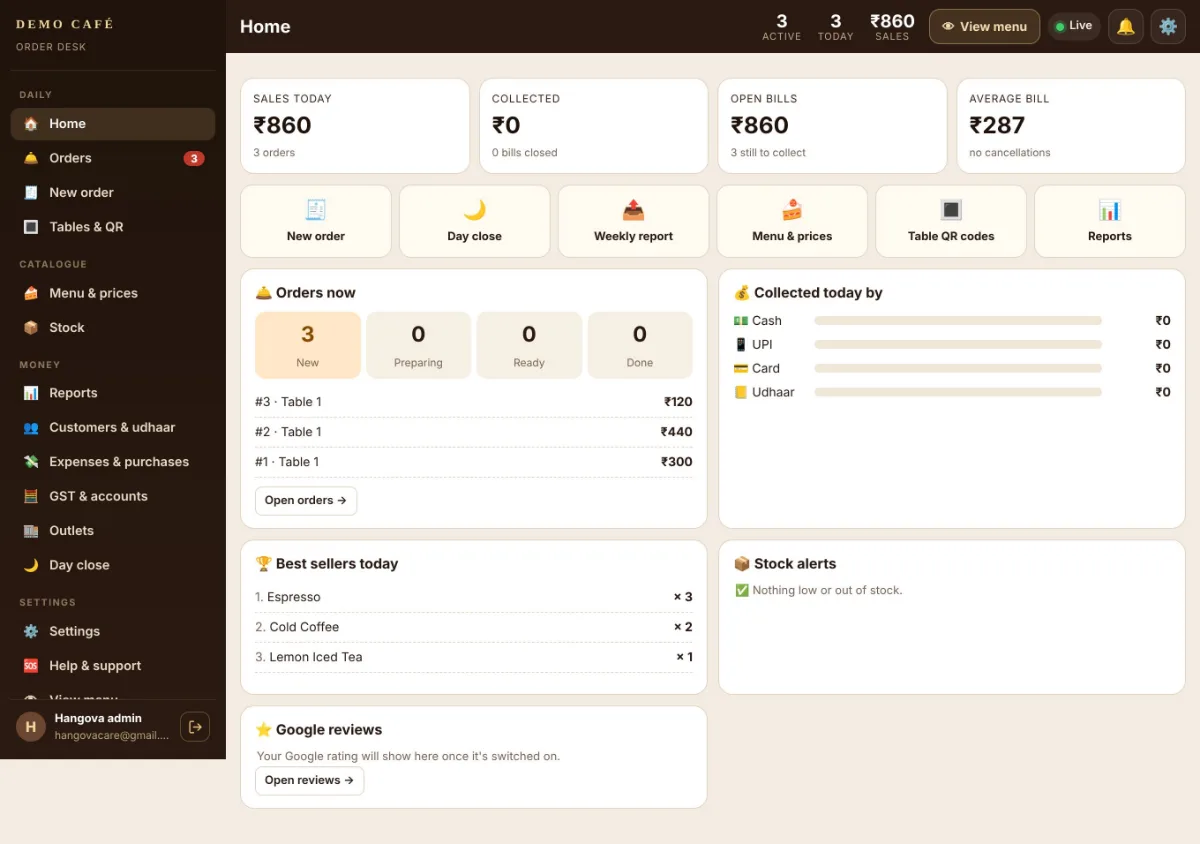
Switch between outlets in one tap, see all outlets together, and add new ones at half the plan price.
Multi-outlet
Switch between outlets in one tap, see all outlets together, and add new ones at half the plan price.
How it works
From Outlets, add a new branch: it gets its own menu, QR codes, staff and reports.
Owners and managers move between outlets without signing out.
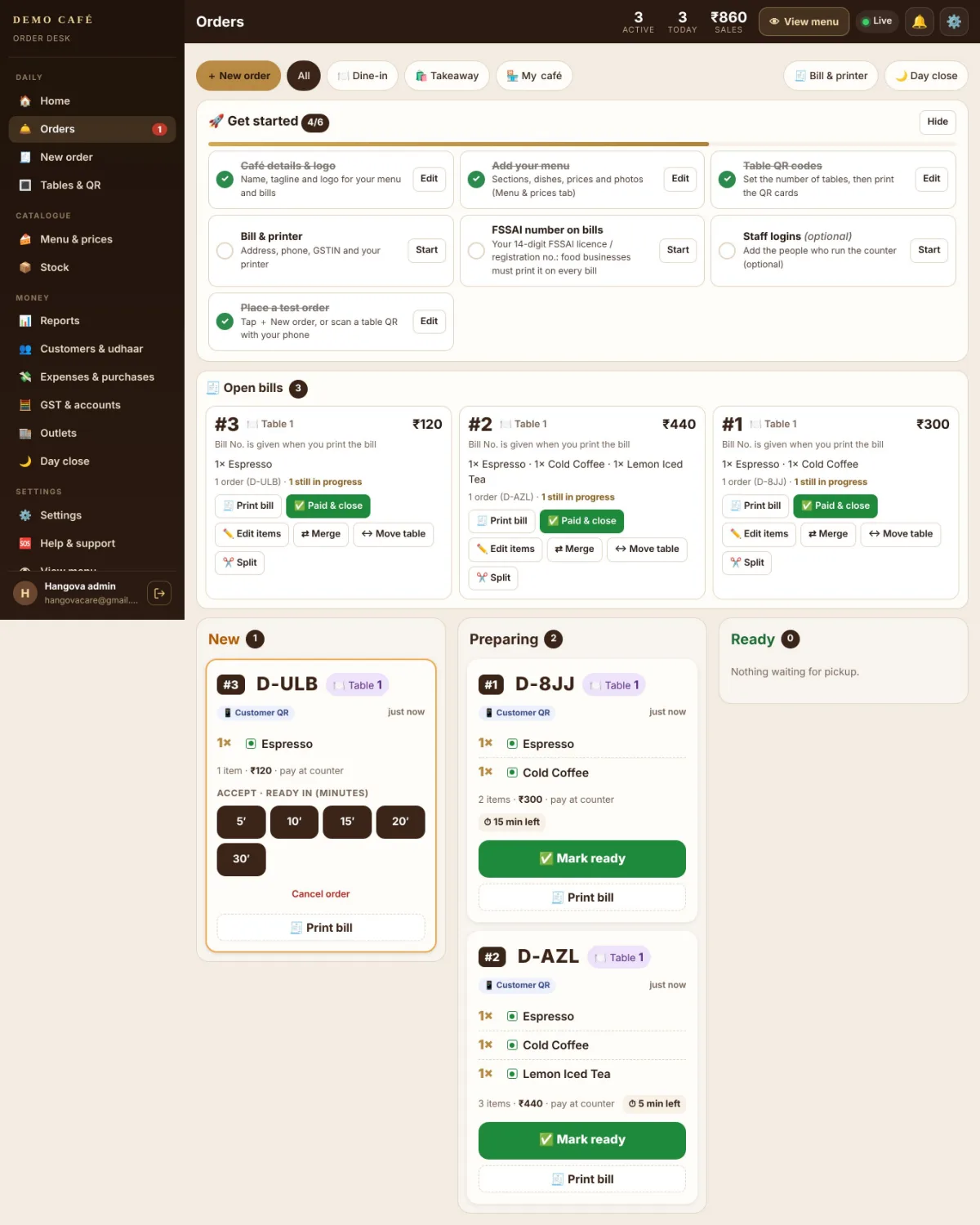
The all-outlets dashboard shows sales and collections for every branch.
Features
Or copy one menu to all.
Each outlet set up for its tables and counters.
Staff see only the outlets they work in.
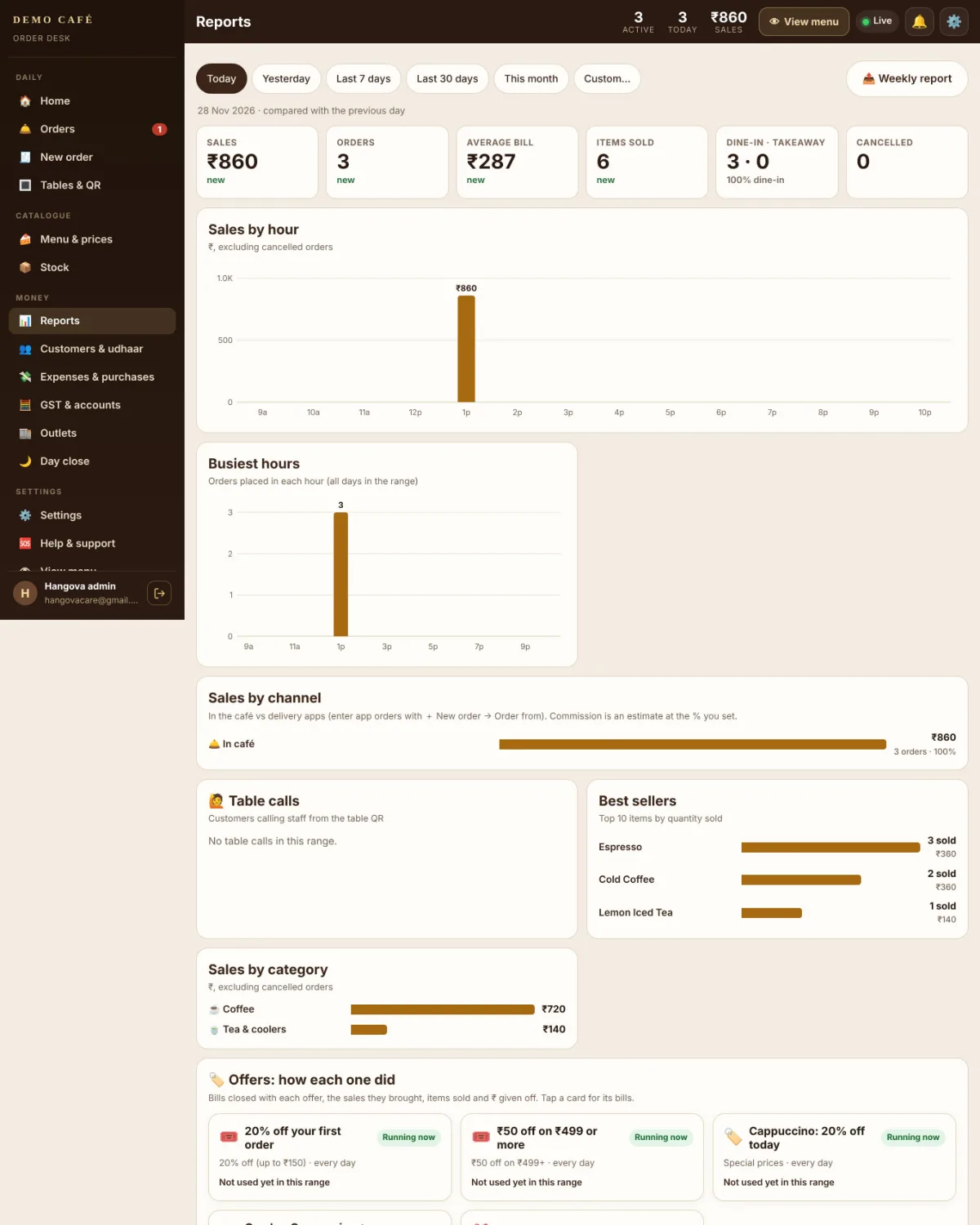
Every branch in one view.
Extra outlets at 50% of the plan.
One payroll across outlets.
Why Hangova
Questions
Yes, each outlet has its own menu and prices.
Yes, staff see only the outlets you give them.
Half the price of your plan.
Works together
A free 15-minute demo, at your place in Bengaluru or on a video call. We set everything up for you in 2 to 3 days.